
Your Company Billing Profile sets the default billing name and address that appears on your invoices. Update it whenever your billing address or contact details change.
Note: If a property isn't assigned to an ownership group, its invoices use the address and name from your Company Billing Profile. If you use ownership groups, the ownership group's details override this profile on invoices for those properties.
Update your Company Billing Profile
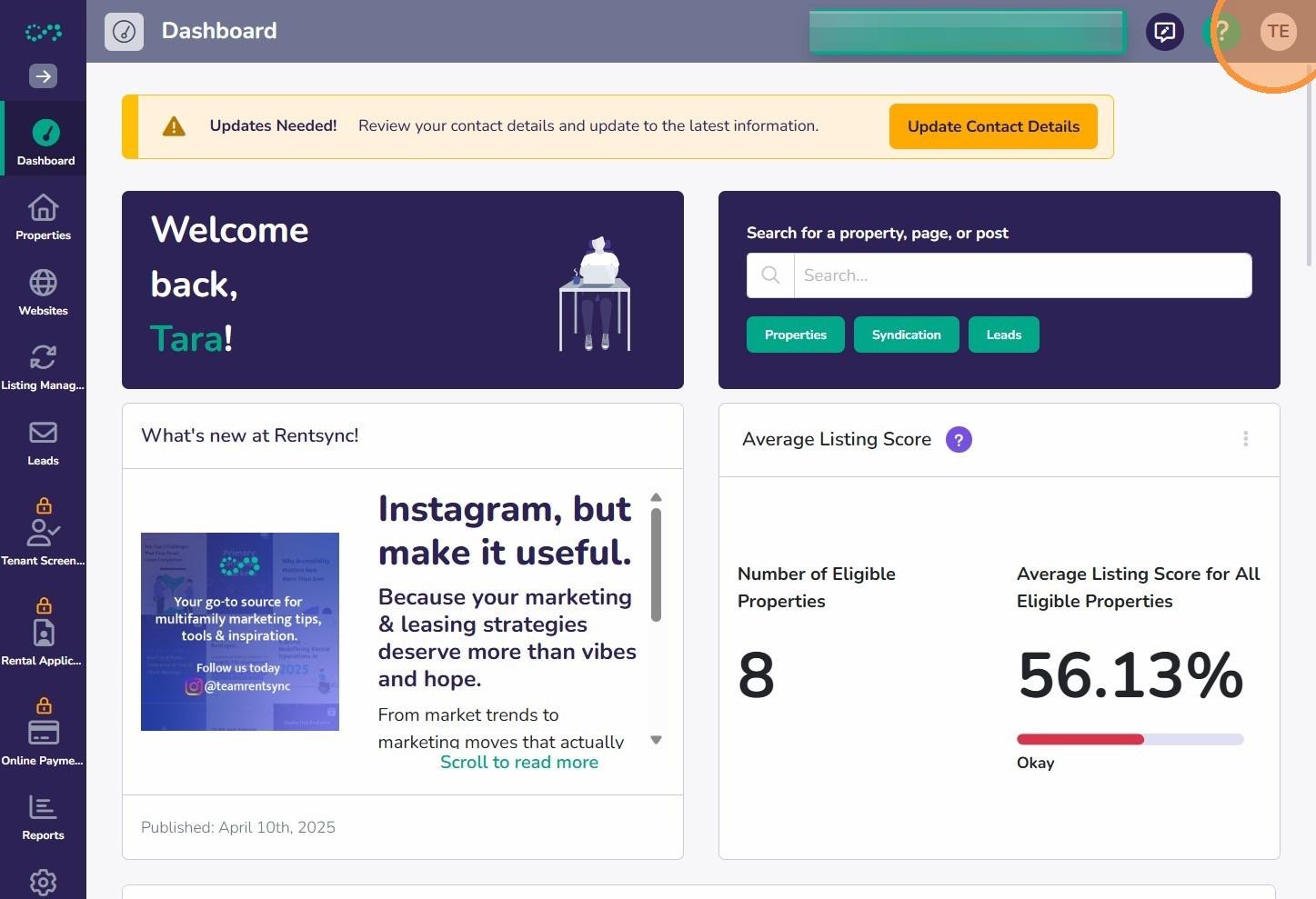
- Click your initials in the top right corner.
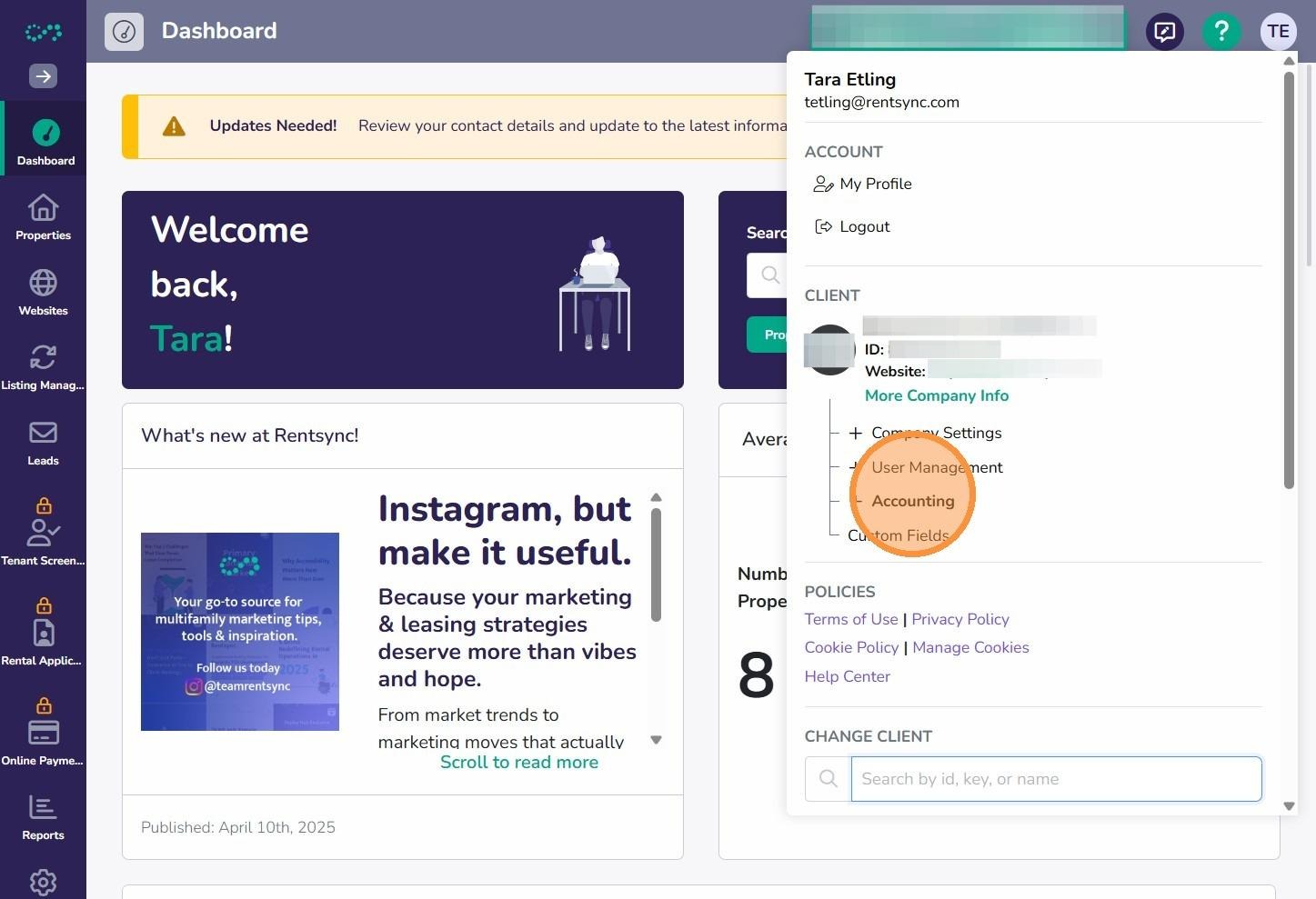
- Click Accounting.
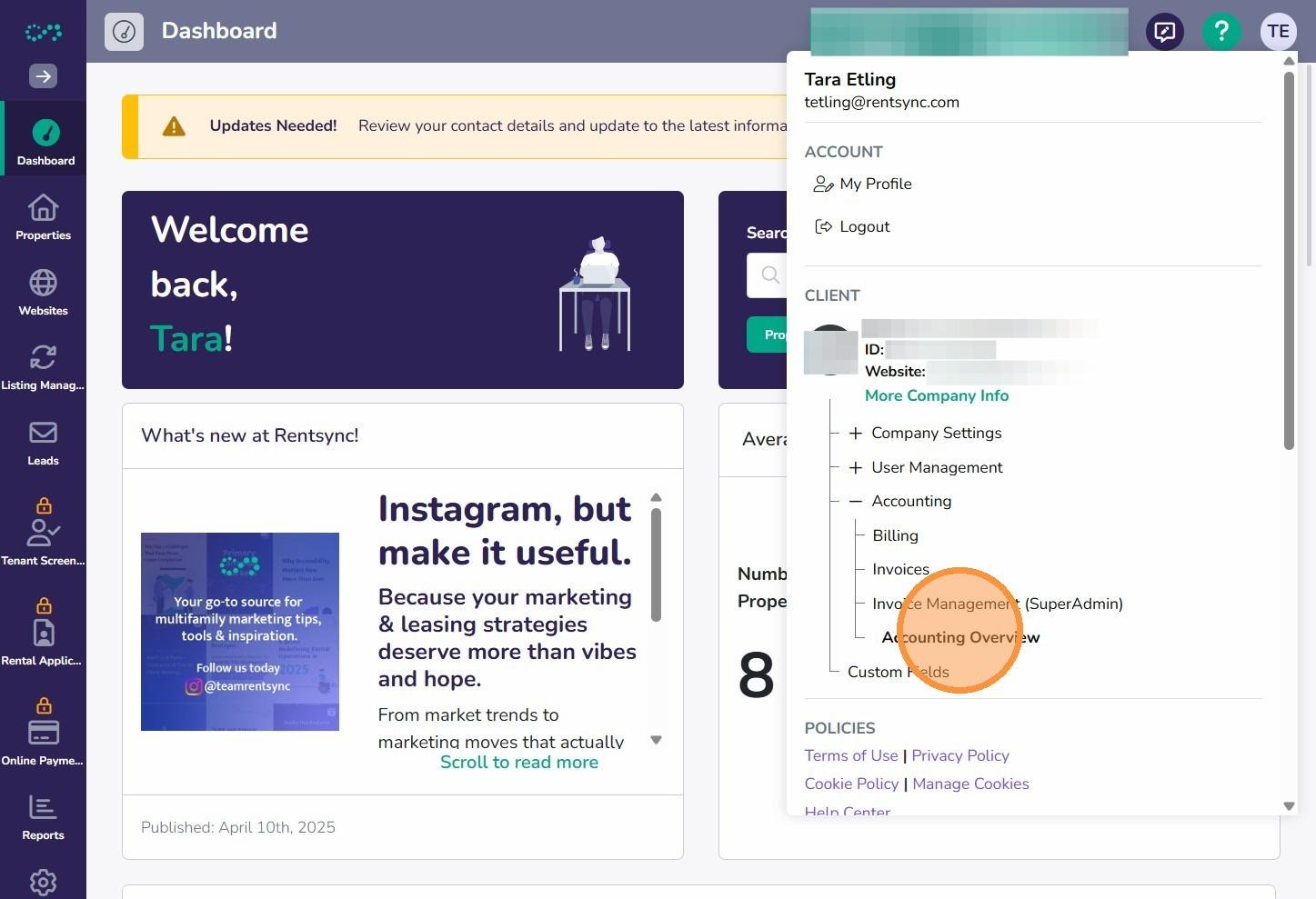
- Click Accounting Overview.
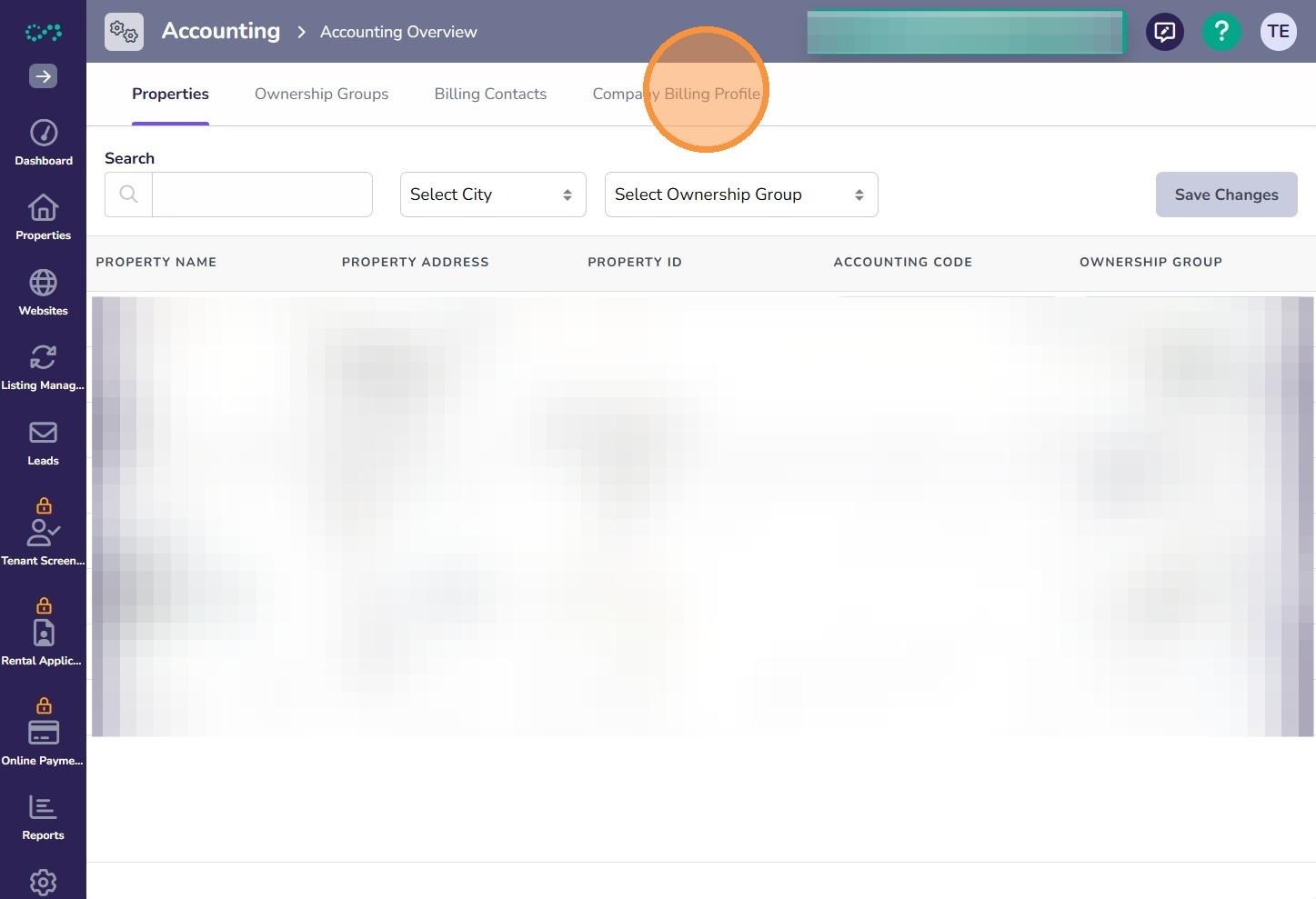
- Click Company Billing Profile.
- Click into any field to edit it.
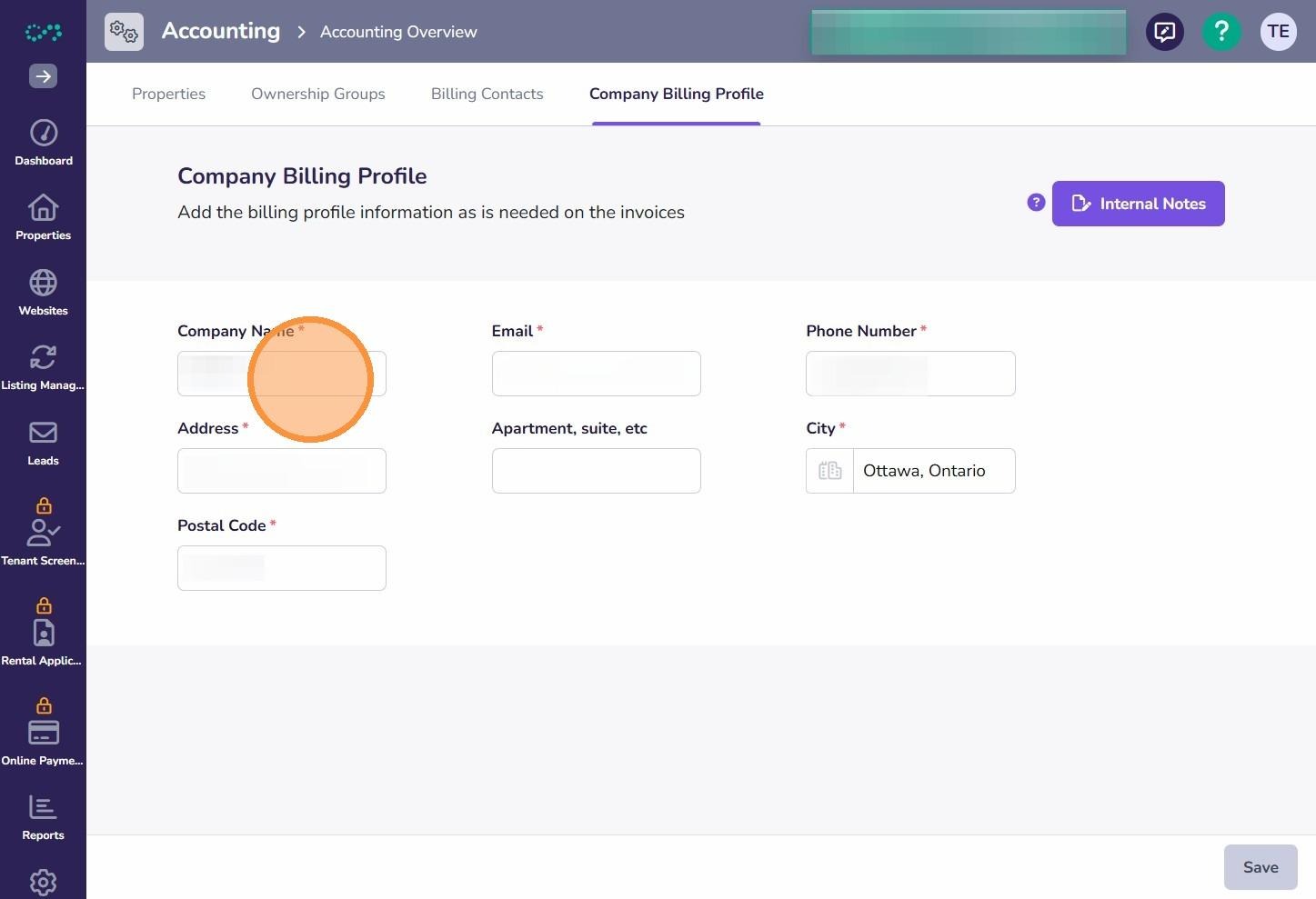
- Enter your updated billing address, phone number, and email.
- Click Save Changes.
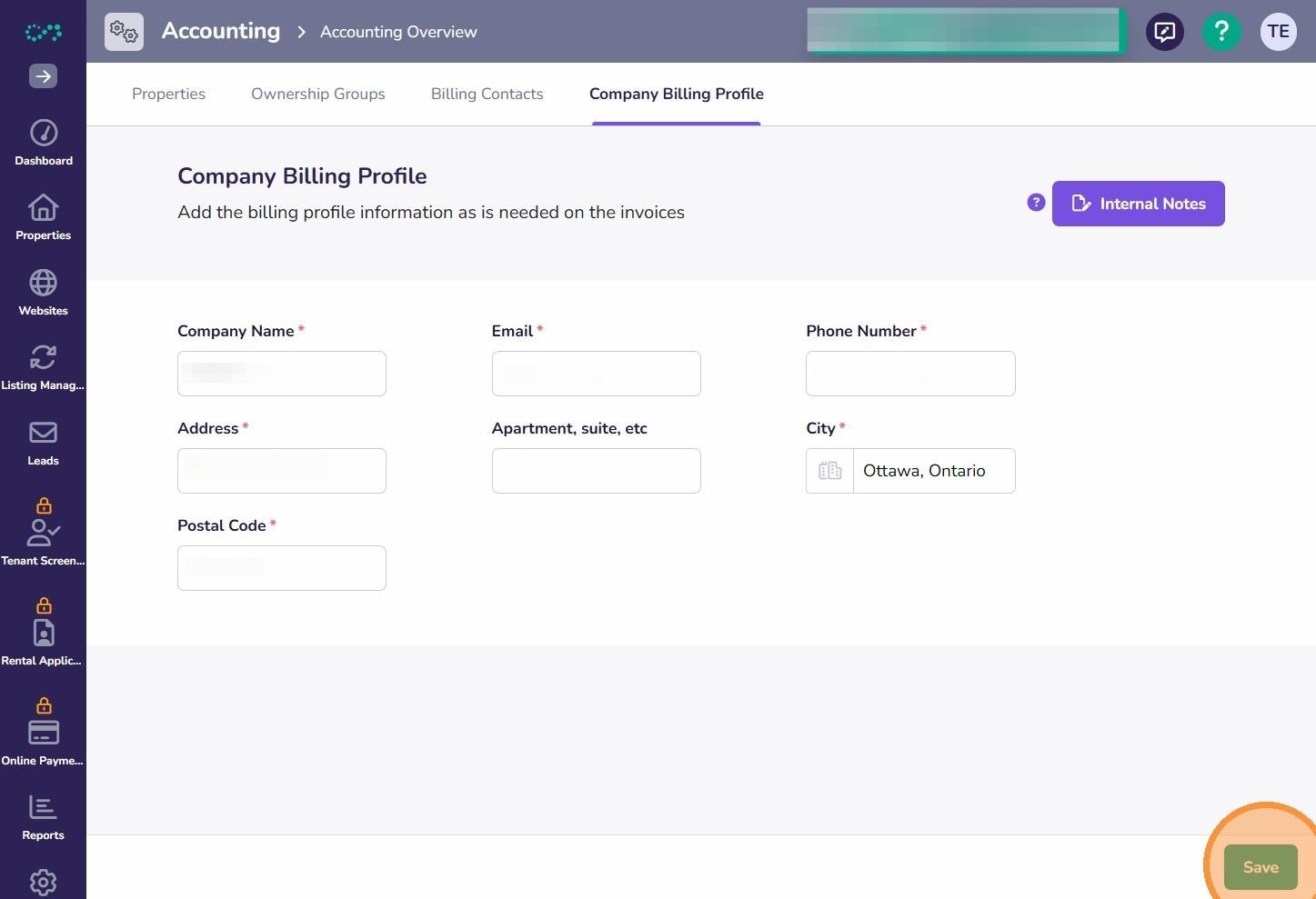
Note: All fields are required except apartment or unit number.
Note: The email address on this page is for account contact purposes only. It does not control who receives your invoices. To manage invoice recipients, see How to Add a Billing Contact in Rentsync.
Note: The phone number on this page may be used by our accounts receivable team to reach you regarding your account.
Important: Your legal company name cannot be edited directly on this page. To change it, contact billing@rentsync.com with supporting legal documentation.