
Add or update an accounting code
-
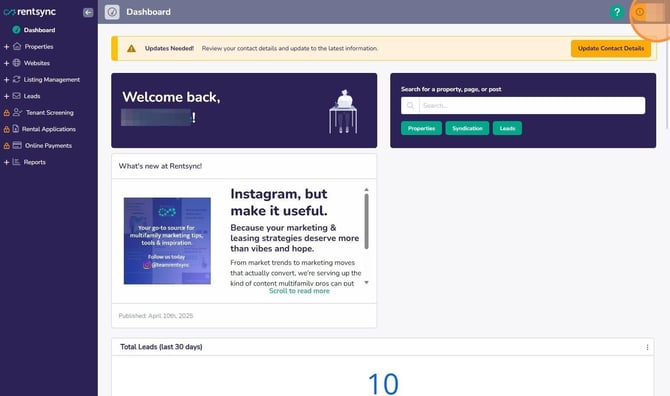
Click your initials in the top right corner.
-
-
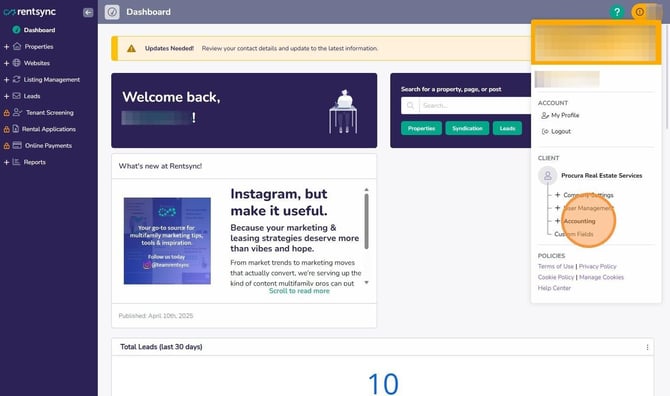
Click Accounting.
-
-
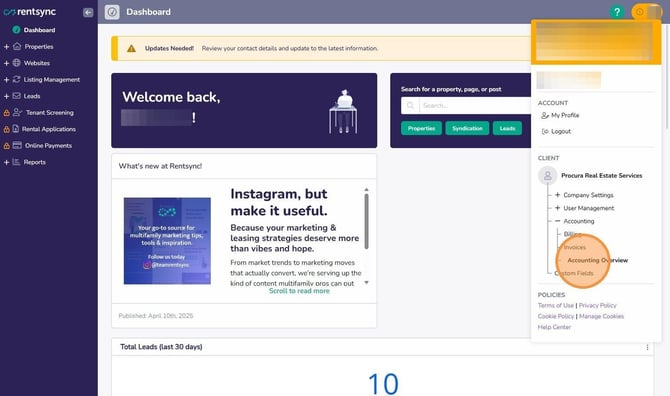
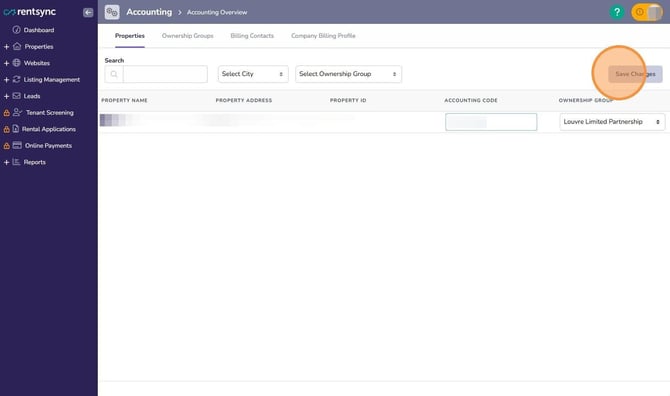
Click Accounting Overview.
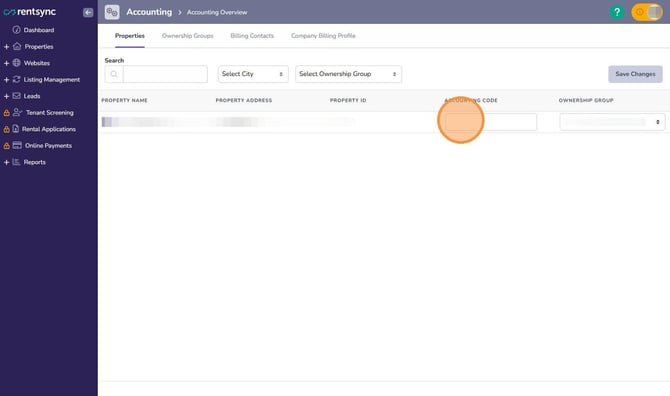
- Type the code in the Accounting Code field for the relevant property.
- Click Save Changes.
Caution: Entering an accounting code here does not make it appear on your invoices. This is not automatic. Contact billing@rentsync.com to have accounting codes turned on for your invoices. Once turned on, the code will show up on every invoice line item for that property.
Note: Accounting codes can also be set from the property level. Open the property details page, scroll down to the Accounting Panel, and enter or update the code there. Changes made here sync with the Accounting Overview page.